
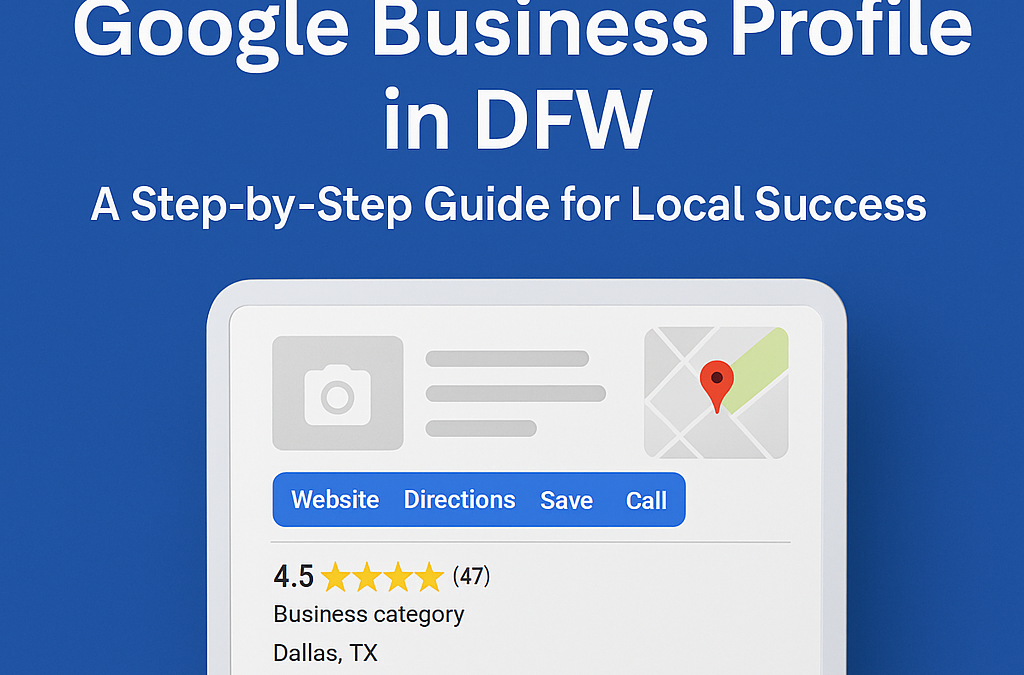
Why Your Google Business Profile Matters in DFW
Most local businesses in DFW struggle to make their Google Business Profile stand out. You may have added photos and reviews but haven’t seen much change in visibility or calls.
This guide shows how to optimize your profile to attract more local customers and generate measurable results.
If you are a service-oriented business, add at least two to three geotagged photos per month to your profile. On an iPhone, go to Settings → Privacy & Security → Location Services → Camera → While Using the App.
When requesting reviews, ask your customers to include their city name in the review text. Also, create location pages on your website that match your home page in design and tone.
If you haven’t yet set up Bing Places, visit https://www.bing.com/forbusiness. It can mirror your Google profile and extend your visibility across Microsoft’s network.
Optimize Your Google Business Profile for Local Results
Your Google Business Profile acts as your digital storefront for Dallas-Fort Worth customers. When people search for services in their area, your profile determines whether you stand out or disappear in the crowd.
Enhance Photos and Posts
Photos communicate your business story more effectively than text alone. Businesses with more than ten photos on their profile receive 142% more direction requests than those with fewer.
Add geotagged photos that show Google you are active in specific areas. For Dallas and Fort Worth service businesses, this is a powerful local signal. Turn on location services in your phone’s camera app before taking photos at job sites or your office.
Use a variety of photo types:
- Team and staff photos
- Before-and-after project images
- Your work vehicles with logos
- Local landmarks or recognizable areas
Posts also help your profile stay active and visible. Create weekly posts about:
- Special offers for DFW residents
- Updates or announcements
- Events or sponsorships in Dallas-Fort Worth
- New products or services available locally
Google rewards consistency. Schedule a weekly reminder to post fresh content for stronger local SEO results.
Pro Tip: Use AI tools such as ChatGPT or Google Gemini to generate local content ideas and headlines. Include location-based keywords like Dallas web design, Frisco marketing agency, or Fort Worth contractor services.
Build and Manage Google Reviews
Reviews build trust and improve search rankings. When customers in DFW see real reviews from nearby cities, they’re more likely to choose your business.
Ask happy customers to include their location in their review, such as “Excellent service in Plano” or “Highly recommend for Arlington homeowners.”
A simple review process helps maintain momentum:
- Send a text or email after completing service.
- Include a direct link to your Google review page.
- Thank the customer personally after they leave a review.
When replying, mention the neighborhood. For example: “Thank you for letting us serve you in McKinney.” This reinforces your local reach to Google and potential customers.
Negative reviews happen occasionally. Respond quickly—ideally within 24 hours—and offer to resolve the issue offline. Consistent, professional responses demonstrate accountability and care.
Fresh, location-specific reviews can increase your local visibility by up to 35%.
Use the Q&A Section Strategically
The Q&A area of your profile is often overlooked, yet it’s one of the best ways to stand out. Instead of waiting for questions, add your own frequently asked questions and answers.
Think about what DFW customers ask before they hire you. Examples include:
- “Do you serve all of Dallas-Fort Worth?”
- “What are your operating hours?”
- “Do you provide same-day appointments in Plano?”
- “How quickly can you handle emergency calls?”
Use relevant service keywords and local city names within your answers. This helps Google associate your business with multiple service areas.
Track Insights to Measure Success
Your Google Business Profile Insights dashboard reveals how people find and interact with your listing. Regularly reviewing these numbers will help you fine-tune your strategy.
Focus on:
- Search Views: How often your profile appears in local searches
- Calls and Direction Requests: Signs of strong buyer intent
- Photo Views Compared to Competitors: Gauge visual engagement
- Post Engagement: See which content gets the most attention
Integrate these insights with Google Analytics or call tracking software to link online actions with real conversions. Understanding what drives results allows you to double down on what works best.
Keep Your DFW Profile Active and Authentic
Your Google Business Profile is not a one-time setup—it’s an ongoing local marketing tool. The most successful Dallas-Fort Worth businesses update their profiles weekly, add new photos, respond to reviews, and post relevant updates.
If you need expert help managing your profile, Platform Creator offers local SEO and Google Business optimization services designed to increase visibility, calls, and form fills.
👉 Request your free Google Business Profile audit today and start turning search views into real leads.
